Electronics
A Codex-made multi-device art installation with 3D printed frames
Maks Surguy built an art exhibit piece mostly with Codex: synced shader art on $10 devices and 3D printed frames. What is known and how to try it.
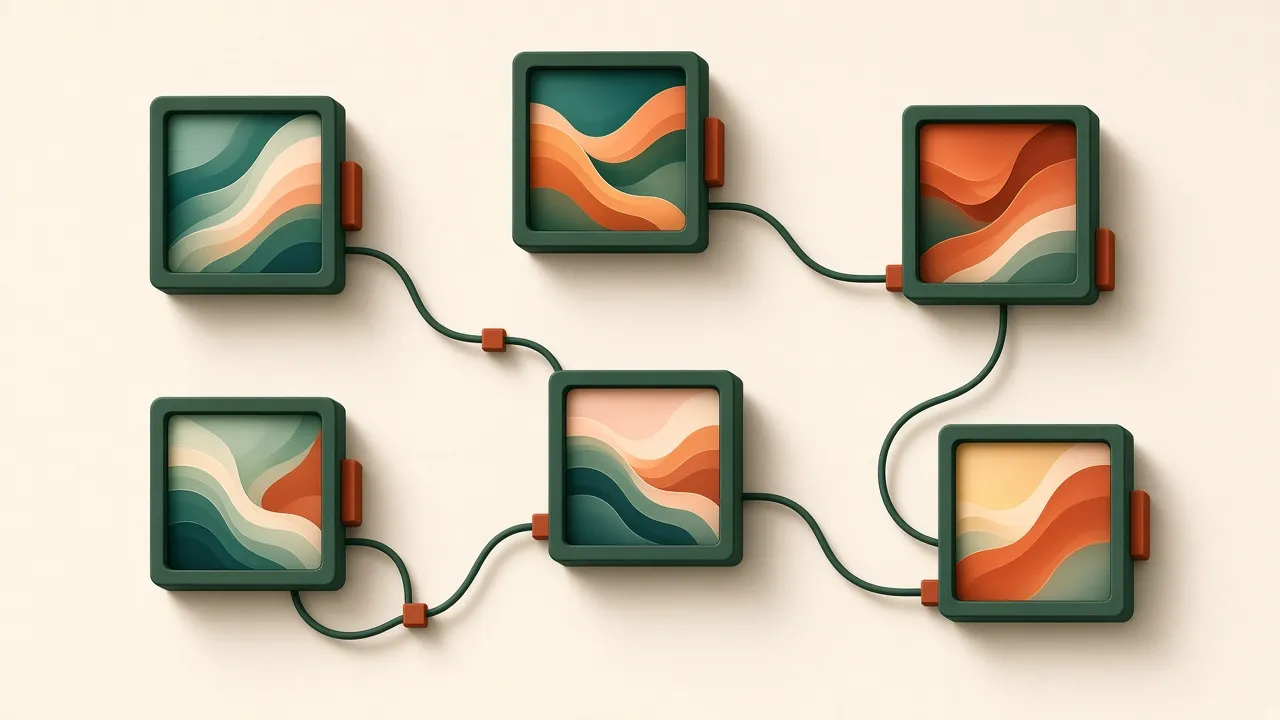
Source: Maks Surguy (@msurguy) on X, November 3, 2026, quoting OpenAI’s announcement. This is an independent summary. The artwork belongs to its creator; we describe it and do not reproduce it. Codex is a trademark of OpenAI, used here descriptively.
Most vibe manufacturing stories are about brackets and clips. This one is about art. Creative technologist Maks Surguy shared an exhibit piece, digital and physical, that he says “was made mostly with #Codex.” It is a good example of how one coding assistant can now cover software, electronics, and the printed parts that hold everything together.
What the artist built
From the post, Codex helped with three jobs:
- A multi-device synchronization system, so several small screens show coordinated artwork.
- 3D printed parts and frames for the physical piece.
- Porting his shader artwork to tiny $10 devices.
He calls it an “amazing new era to be in creative technology field.” The post includes a video of the piece; we are not copying it here, so watch it on the original post.
What is not public: the device model, how many devices the piece uses, the sync method (Wi-Fi, a wired bus, or something else), the frame design files, the exhibit venue, or the code. We don’t guess at those.
Why it matters
Shader art usually runs on a GPU. Getting it onto very cheap microcontroller-class hardware means rewriting it for limited memory and processing power, which is tedious, specialized work. Syncing several such devices is a separate distributed-systems problem. Designing frames that hold boards and screens neatly is a third skill. Surguy’s post says one assistant helped with all three. That is the whole pitch of vibe manufacturing: one person, several disciplines, one loop.
How to build your own multi-screen art piece
This is a general approach based on the three jobs named in the post, not the artist’s actual method.
1. Pick the hardware first
Choose a cheap board with a built-in display that has good community support and examples. Buy one before writing any code. Write down its screen resolution, memory, and how it is powered. Keep it USB-powered.
2. Port one effect to one device
Ask your coding assistant to translate one shader into code that runs on that board: lower resolution, fixed-point or simplified math where needed, a target frame rate. Expect it to look different from the desktop version. Judge it on the device, not in the editor.
3. Add synchronization
With two devices working, ask for a sync scheme: one device acts as the clock and broadcasts a time or frame number, and the others follow. Test with two before adding more. Unplug one and see if it recovers.
4. Design the frames around measured parts
Measure the board, the screen’s visible area, the USB connector, and the mounting holes. Ask for parametric frame CAD with those numbers and a cable path. Print one frame, fit a board, then print the rest. The desk mute button case and the laser-cut display stands cover similar fit-before-batch steps.
5. Plan the wall
A piece with many frames needs a mounting system and power routing. A French cleat rail makes it easy to rearrange frames and hide cables.
Tools
- A coding assistant such as Codex, or another you have access to.
- A low-cost display board with an active community.
- A CAD tool or CAD code (OpenSCAD, CadQuery) for frames.
- A 3D printer and a slicer.
- A USB power supply rated for all devices together.
Limitations
- Details come from one short post. We have not seen the piece in person or its code.
- “$10 devices” is the artist’s description; prices vary by seller and region.
- Ports of shader art to small devices usually trade resolution or frame rate for speed.
- Use your own artwork. If you adapt someone else’s shaders, check their license.
Related use cases
FAQ
Who made this Codex art installation?
Maks Surguy (@msurguy), a creative technologist, shared it on X on November 3, 2026. He says the exhibit piece, both digital and physical, was made mostly with Codex.
What did Codex do in this project?
According to the artist, Codex wrote a multi-device synchronization system, helped make 3D printed parts and frames, and ported his shader artwork to small $10 devices.
Which devices were used?
The post says tiny $10 devices but does not name the hardware. We have not confirmed the model, so we do not name one here.
Can I rebuild the same piece?
The artwork is the artist's own, and the code and files have not been published as far as we know. You can build your own piece with the same approach, using your own art.
Is this endorsed by OpenAI or the artist?
No. This is an independent write-up based on the artist's public post. Neither the artist nor OpenAI has reviewed or endorsed it.