Workshop
Best text-to-CAD tools in 2026: an honest comparison
Windchime, Kimi 3D Make, Confetti, Zoo, and chat models with OpenSCAD compared by output format, best use, and limits, based on public documentation.
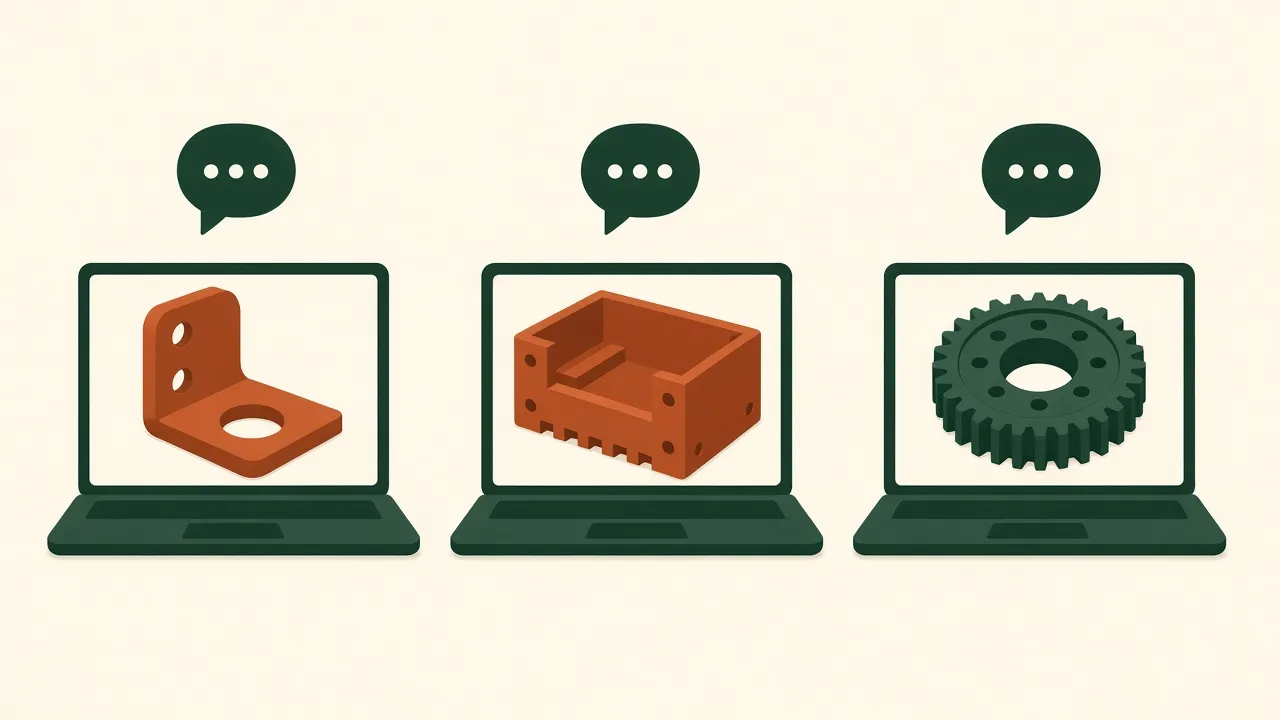
Sources: each tool’s public documentation and launch posts, linked below. This is an independent comparison, not a paid ranking, and none of the tools have reviewed or endorsed it. We have not benchmarked them ourselves.
Text-to-CAD is the engine of vibe manufacturing: you describe a part and get a model. In late 2026 the choices split into three groups — chat models that write CAD code, dedicated apps, and full idea-to-delivery platforms.
Quick comparison
| Tool | What you get | Best for | Watch out for |
|---|---|---|---|
| Chat model + OpenSCAD | Editable .scad code, STL/3MF | Brackets, spacers, docks | No STEP export; organic shapes are hard |
| Windchime | Printable CAD from text, photos, measurements | Hobby prints | New tool; accuracy not independently tested |
| Kimi 3D Make | STL, 3MF, OBJ, STEP, GLB | Models from text or sketches | Does not control your printer; check in a slicer |
| Confetti | STEP or STL, parts plan, build steps | Projects with electronics | No custom PCB design per its docs |
| Zoo | B-rep CAD | STEP for shops | Check current pricing |
Chat models writing OpenSCAD
The oldest and most transparent route. You ask ChatGPT, Claude, Gemini, or Kimi for OpenSCAD code, render it, and export. The TexoCAD blog notes the trade-off well: great for parametric, prismatic parts, but OpenSCAD “does not export STEP.” Our step-by-step guide walks through it.
Windchime
Launched on X by Zach Shakked as “a free vibe coder for 3D Printable CAD models.” It renders the CAD and has the model critique its own render in a loop, according to its creator. Full write-up: Windchime explained.
Kimi 3D Make
Moonshot AI’s 3D product, powered by Kimi K3.1 Pro according to Kimi’s help center. It exports STL, 3MF, OBJ, STEP, and GLB, and states that it “does not connect to or control a 3D printer.” Kimi’s guidance is to check dimensions, walls, and supports in a slicer before printing.
Confetti
A Y Combinator company (launch post) that goes from a plain-English idea to CAD, a parts list, firmware help, and print quotes. Its how-it-works page says supported 3D-printing jobs can be ordered through the platform, and that custom PCB design is not supported.
How to choose
- You own a printer and want a bracket today: chat model + OpenSCAD, or Windchime.
- You need a file a machine shop accepts: pick a tool that exports STEP or DXF; see AI to DXF for laser and sheet metal.
- You are building a gadget with electronics: Confetti for the enclosure plan, and our AI PCB guide for the board.
Whatever you choose, a preview is not a test. Print a test section first, and keep safety-critical parts on rated hardware.
File formats: why STEP vs STL matters
The output format decides what you can do next, so check it before you pick a tool.
- STL and 3MF are triangle meshes. They are what a slicer wants, and they are fine for a part you will only print. Editing them later in real CAD is awkward.
- STEP keeps real surfaces and edges (a B-rep). A machinist, a sheet-metal shop, or a CAD program like FreeCAD or Fusion can open and edit it properly.
- DXF is a 2D outline, the format laser and sheet-metal shops ask for. See AI to DXF.
Per a TexoCAD comparison of AI CAD approaches, Zoo’s tools build on the KittyCAD B-rep kernel and export STEP, while OpenSCAD exports STL, 3MF, AMF, OFF, DXF, and SVG but not STEP. That is the practical split: chat models writing OpenSCAD get you printable meshes; a B-rep tool gets you a file other people can machine.
More tools worth knowing
- PrintPal CAD Agent runs OpenSCAD compiled to WebAssembly in the browser, exposes parameters as sliders, and exports STL, 3MF, a faceted STEP, or the .scad source, per PrintPal’s own description. The faceted STEP is still made of triangles, so treat it like a mesh.
- Kimi 3D Make in practice: a test by 36Kr, reported via panda3dp, took about 40 minutes and found roughly 1 mm of dimensional error, a reminder to measure before you trust a fit.
- Confetti (Y Combinator F26) delivers STEP or STL files, a parts plan, and firmware for a gadget, but per its launch materials it does not design custom PCBs.
Features and plans change quickly. Confirm the current export options on each tool’s own site before you commit, and remember that no tool named here has reviewed or endorsed this comparison.
A quick test to compare tools yourself
Give each tool the same small job: “a 40 × 20 × 3 mm plate with two 4 mm holes 30 mm apart, and a 2 mm chamfer on the top edges.” Export, open the file in your slicer or CAD, and measure the hole spacing. The tool that gets that right on the first or second try is the one to use for your real part.
FAQ
What is text-to-CAD?
Text-to-CAD tools turn a written description, sometimes with photos or sketches, into a 3D model you can print or send to a manufacturer.
Which text-to-CAD tool is best for 3D printing?
For simple dimensioned parts, a chat model writing OpenSCAD is a free, editable option. App-based tools add previews and feedback loops. The right choice depends on whether you need STL for printing or STEP for a machine shop.
Can text-to-CAD tools export STEP?
Some can. Kimi 3D Make lists STEP among its exports, and Confetti says it can deliver STEP or STL depending on the project. OpenSCAD does not export STEP.
Did these companies sponsor this comparison?
No. This comparison is independent and based on each tool's public pages. None of the companies reviewed or endorsed it, and we have not run lab tests on them.