Lab
Navier Prism: an AI agent desktop app for hardware engineering
Navier AI launched Prism on Nov 3, 2026: a desktop app where an AI agent builds CAD, runs open-source solvers and writes reports. What it does and its limits.
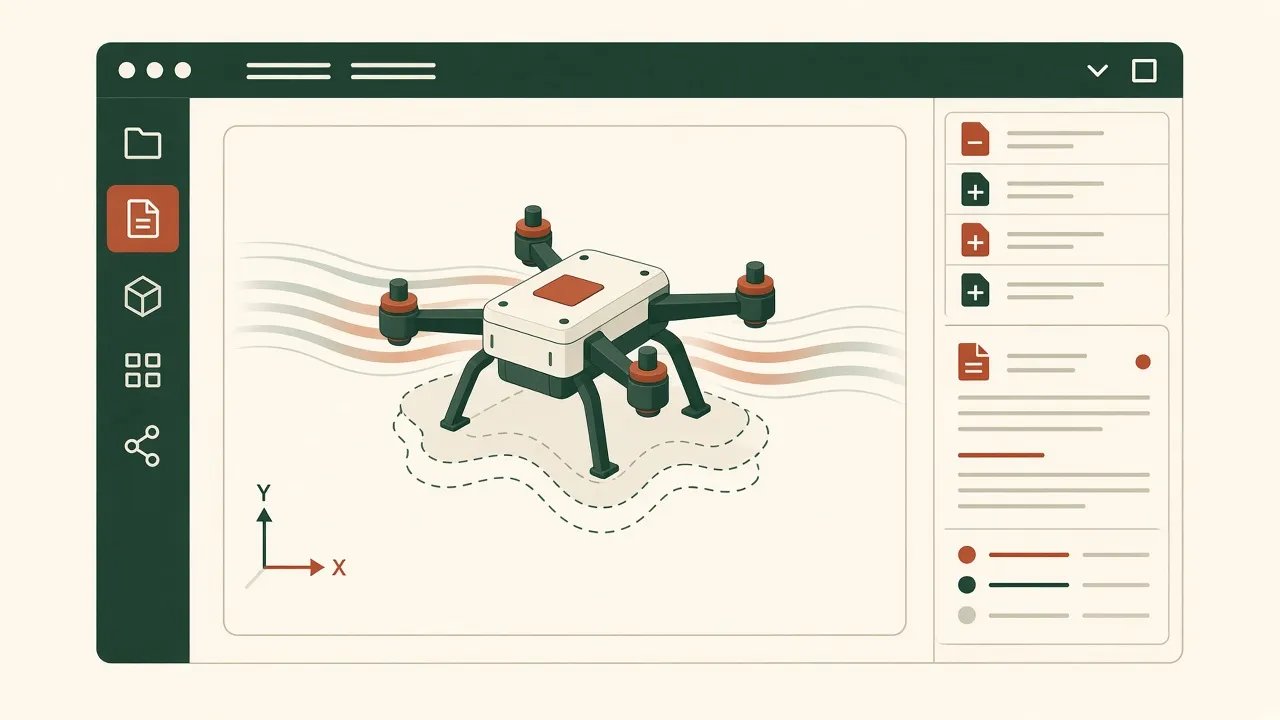
Source: Navier AI’s launch post, Introducing Prism: The AI Platform for Hardware Engineering, dated November 3, 2026 and read November 5, 2026. Short quotes only. Navier has not reviewed or endorsed this article, and we have not tested Prism ourselves.
Most AI design tools on this site make one part from a prompt. Navier AI’s Prism, launched November 3, 2026, goes after a different problem: everything a hardware engineer does after the first sketch, including meshing, simulation, scripts and the report. This is a summary of what Navier says it does, and how it compares with the lighter tools in our AI CAD tools vs ChatGPT comparison.
The problem Navier describes
According to the founders, a single design study “can cross over half a dozen tools”: CAD, a mesher, a solver, a post-processor, Python or MATLAB, and PowerPoint. Each handoff is manual, so every design change means going through the chain again. They say the result is that teams test only a handful of variants and find problems in physical testing, where fixes cost the most.
What Prism is
Navier calls Prism “a desktop app that puts everything an engineer needs in one environment,” with AI agents that can drive all of it. The launch post lists:
- An engineering knowledge layer covering how to build CAD models, set up simulations, generate meshes, post-process, assess manufacturability, and write reports.
- Physics solvers: twelve open-source solver families running locally, including OpenFOAM, CalculiX, code_aster, SU2, Elmer and Project Chrono. It also includes Ferro, Navier’s own GPU-based FEA solver. Runs are tracked in a “Solver Desk”.
- CAD on the Open CASCADE kernel. STEP files, meshes and result fields open in a 3D viewport shared by you and the agent.
- A coding agent for hardware that writes sizing scripts, data reduction, test automation and embedded firmware, with an editor, a terminal and a diff of every file it touched.
- Connections: plugins for Onshape, GitHub, Jira, Confluence and Notion, plus your own MCP servers and “skills” that encode team conventions.
Show the work
The post stresses transparency. “Every script, assumption, mesh and solver input is a file in your project folder,” and you can ask the agent for a plan before it changes anything. Navier says it moved away from its earlier physics-ML approach, which predicted CFD results quickly but needed new training data for each problem. Prism instead runs “the solvers engineers already trust,” so results can be checked the usual way.
Navier’s example: a drone cooling module
Navier gave the agent a CSV of design constraints and asked for a cooling module for a drone. Per the post, the agent:
- proposed candidate configurations;
- built parametric CAD to fit the drone’s loading bay;
- ran CFD in OpenFOAM to check airflow and cooling;
- ran a modal analysis in CalculiX for natural frequencies;
- reviewed the design for manufacturability;
- wrote an engineering report with results and next steps.
Every mesh, case file, script and result stays in the project folder, so each number can be traced to the run that produced it. This is Navier’s own demonstration, not an independent test.
How it compares with other AI design tools
| Prism | Text-to-CAD tools (Zoo, Windchime, Confetti) | Chatbot + OpenSCAD/CadQuery | |
|---|---|---|---|
| Main goal | Full engineering study: CAD, simulation, report | A part or product from a prompt | Code for a part |
| Simulation | Local open-source solvers plus Ferro | Generally not the focus | None built in |
| Geometry | Open CASCADE CAD, STEP in viewer | Varies; see best text-to-CAD tools | Mesh (OpenSCAD) or STEP (CadQuery) |
| Who it is for | Hardware engineers and teams | Makers and product builders | Comfortable coders |
| Published price | “Free to try” | See each tool’s site | Free software |
Who should look at it
- Engineering teams who spend more time moving files between CAD and solvers than deciding on designs.
- Software engineers moving into hardware. Navier says people on its own team, from commercial staff to “pure software engineers”, now design hardware in Prism.
- Makers printing a bracket or a knob probably do not need it. Our guide on how to make a 3D-printable part with AI is a faster start.
For an earlier example of AI driving both an enclosure and a board, see the GPT-6 Astra Codex device prototype. If the output is a flat part for a laser or sheet-metal shop, see AI to DXF.
Limitations
- Self-reported. Everything above comes from Navier’s launch post. We found no independent benchmark at the time of writing.
- Mistakes expected. Navier itself says Prism “will still make mistakes, and there’s plenty it doesn’t do yet.”
- Simulation is not certification. A CFD or FEA result depends on its inputs and mesh. Have a qualified engineer review anything safety-related.
- Pricing and platforms beyond “free to try” were not stated in the post.
Other launches the same week
In the same week, IronCAD announced IronCAD 2027 Product Update 1 with AI script generation, and Autodesk described Inventor 2027.2, including a local MCP server for AI agents. ClearHandoff launched AI CAD reviews for DFM checks (Nov 4, 2026). These are vendor announcements; check each one before you rely on it.
FAQ
What is Navier Prism?
Per Navier AI's Nov 3, 2026 launch post, Prism is a desktop app that combines CAD, meshing, physics solvers, post-processing, a coding agent and reporting, driven by AI agents.
Which solvers does Prism use?
Navier lists twelve open-source solver families running locally, including OpenFOAM, CalculiX, code_aster, SU2, Elmer and Project Chrono, plus Ferro, its own GPU FEA solver.
Can Prism export STEP?
Navier says the agent builds CAD on the Open CASCADE kernel and that STEP files open in the 3D viewport. Check the product docs for export details.
Is Prism for hobbyists?
It is aimed at hardware engineers, though Navier says it is also for people held back by how hard traditional tools are to learn. For a simple printed part, a lighter tool is usually enough.
Is this sponsored?
No. Navier AI did not review, pay for, or endorse this article.