Workshop
AI that drives CAD, the slicer and the printer
What people actually made when an AI tool drove CAD, a slicer or a printer: public examples from one week, with sources and limits.
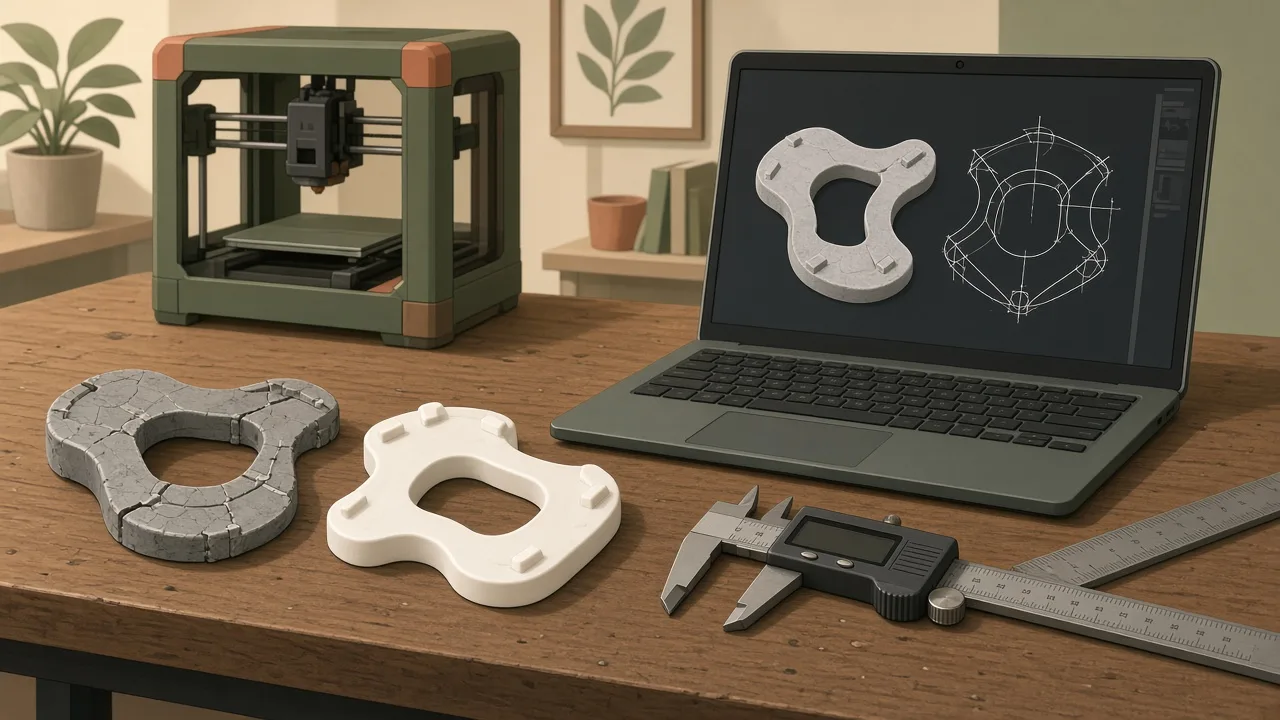
Sources: each section links to the creator’s own post, all checked on 9 November 2026. We quote briefly and paraphrase the rest. We don’t reproduce their photos or video; the illustration is our own. Nobody named here has reviewed or endorsed this article.
This week several people connected an AI model to the tools that come after the prompt: CAD, the slicer and the printer. They used Claude, ChatGPT and a new open library of agent skills. The results range from a fitted replacement part to a claim we can’t check. Here’s what was actually made, and what the examples have in common.
At a glance
| Example | Tools | What came out | How sure we are |
|---|---|---|---|
| Shower-head clip | Claude, Fusion 360 via MCP, Bambu Studio CLI, Bambu H2C | A PETG clip that fitted on the second print | Detailed creator write-up with measurements |
| Home Assistant print pipeline | Claude, a CAD MCP server, Home Assistant | A workflow, not one specific part | Journalist’s first-hand account |
| Spray-paint stencil | ChatGPT, PrusaSlicer | A printed stencil, “not perfect” | Creator’s post with photos |
| Mechanical-engineering skills | Agent skills for Claude Code, Codex and others | 33 open skills, with a paper | Public code and preprint |
| 5× SO-101 robot arm | Claude Opus 5.5, by the poster’s account | A video of a large arm | Unverified |
1. A shower-head clip from photos, sliced by Claude
Source: Pedro Dias, “I photographed a broken clip. Claude printed a new one”, 8 November 2026.
A colleague’s shower-head holder had broken, been glued, and was no longer sold. Pedro calls himself “bad at CAD”. Claude drove Fusion 360 through a local MCP server that runs Python scripts. It exported a 3MF, then sliced it by running Bambu Studio from the command line for his Bambu Lab H2C.
The first attempt, on 3 November, failed. Claude built the model from caliper numbers and used the photos only as a check. A ring that should curve like a kidney came out as a plain oval. By his account, the day ended with all the tokens used up and no working model.
The second attempt worked because of three changes:
- Better photos. The photos were taken straight on, with the ruler in the same plane as the surface being traced. With the ruler lying flat beside a 28 mm-tall part, the first photos had made the part about 10% too big.
- Trace, don’t build from numbers. Claude placed each photo as a canvas in Fusion and traced the outline. The caliper set the size; the photo set the shape.
- Three control measurements. Claude marked them on the photos and Pedro measured them on the real part. The model was 1.4% too large in two axes and 2.9% too small in height. Claude scaled each axis separately and rebuilt.
Slicing hit one snag. Bambu Studio returned error −61, “Filaments are not compatible with the plate type”, until the bed type was set to Textured PEI. The first PETG print, 50 minutes and 15.5 g, looked right, but the arms were 1.1 and 2.6 mm short. After a redraw and a larger fillet, the second print fitted. The real test, on his colleague’s shower, is still to come.
This is the same job as the cargo-net clip rebuilt with ChatGPT. The difference is that Claude worked inside real CAD and the slicer, rather than producing an STL in the chat.
2. Claude, CAD and Home Assistant: a print pipeline
Source: Yadullah Abidi, “Claude and a 3D printer are an absurdly useful combination”, MakeUseOf, 6 November 2026.
Abidi gave Claude two tools. The first was an MCP server for CAD; he notes there are many for FreeCAD, Blender and Fusion 360. The second was a Home Assistant token. His Bambu Lab and Elegoo printers were already connected to Home Assistant through community add-ons, so Claude could talk to them.
His honest points are the useful ones:
- Vague prompts fail. “Make a sensor mount” isn’t enough. Give measured dimensions, screw spacing, orientation and cable clearance.
- The slicer is the fiddly part. He suggests wrapping a tested PrusaSlicer profile in a command-line script, rather than letting the model invent temperatures. Uploading to the printer needs its own bridge.
- Physical checks stay with you. Claude “can’t tell if you’ve put your build plate in the right way”. Nor can it clear the bed.
Our view: a long-lived Home Assistant token can reach far more than your printer. Give the AI the smallest access you can, and don’t let it start prints you aren’t there to watch.
3. A ChatGPT image turned into a printed stencil
Source: Jeremy Cook on X, 9 November 2026.
Jeremy made a spray-paint stencil of his logo, “generated from an image via ChatGPT and a bit of processing” in PrusaSlicer. His photos show the printed stencil and a sprayed copy on a board. His verdict: “Not perfect, but wild how easy this was.” He didn’t post the prompt or settings, so this is a flag that the idea works rather than a method. For flat parts like this, a DXF for laser or sheet cutting is another route.
4. An open library of mechanical-engineering skills
Sources: the BaratiLab mechanical-engineering-skills repository (MIT license) and the preprint arXiv:2611.05758 from Amir Barati Farimani’s lab at Carnegie Mellon University.
This one isn’t a build. It’s a toolbox for the builds above. It has 33 agent skills, folders of instructions and tested scripts that an agent loads when a task needs them. They work with Claude Code, Claude.ai, Cursor, Codex, Gemini CLI and other agents that support the format, and 19 package the lab’s own published or preprint research. The ones closest to this site:
- cadsmith-text-to-cad and sketch-to-cad: words, sketches or photos to a checked CAD model.
- agentscad-fdm-dfam: makes a STEP part printable on an FDM printer, with reorientation, teardrop holes and chamfers.
- image2gcode: photo or sketch to G-code for 2D and 2.5D parts.
- llm-3d-print-monitor: camera checks of each layer on Klipper printers, with corrections that wait for your approval.
The principle is the right one: “the model orchestrates while tools compute”, and every result comes with a check. The authors are candid that a controlled comparison of agents with and without the skills “is left to future work”.
5. A 5× SO-101 robot arm, “100% made by Claude”
Source: Konstantin Saifoulline, founder of Airsuptech, on X, 9 November 2026.
The post says the open-source SO-101 arm was scaled up five times, to a 29 kg payload and 735 parts, and that it was “100% made by Claude Opus 5.5”. The 36-second video appears to show rendered or simulated scenes in a virtual warehouse. We found no files, parts list, test data or footage of a built arm. We can’t verify that it was built, or what “made by Claude” covers. A 29 kg arm is also a serious safety hazard, so we wouldn’t treat this as a project to copy.
What these have in common
- Give the AI tools, not just a chat. The real gains came when the model could act in CAD and the slicer, through MCP servers, command lines and skills.
- The slicer and the printer are still the weak links. Both write-ups spent their effort on profiles, bed types and file transfer.
- Measure the real part. Three caliper readings fixed scale errors of up to 3% in Pedro’s model. No tool link replaces that.
- Expect a second print. Even the best example needed two.
- Treat big claims as claims. A render isn’t a build. Look for files, measurements or a part in someone’s hand.
Start smaller
If you haven’t done this before, start with photos, a caliper and a chatbot: how to make a 3D-printable part with AI. Add an MCP link to CAD once you’re comfortable, as in NYC CNC’s Claude and Fusion rebuild. Keep the printer under your control. And if a first print doesn’t fit, see why AI-generated 3D prints fail.
Related
FAQ
Can Claude really drive Fusion 360 or FreeCAD?
Yes, through a local MCP server, which is a tool link between the chat and the CAD program. In the shower-clip build it placed photo canvases, sketched, made features and exported a 3MF. MakeUseOf describes FreeCAD's MCP integration doing similar work.
Can it send the file to the printer too?
Sometimes. One builder had Claude slice with Bambu Studio's command line and then sent the job himself. MakeUseOf connected Claude to Home Assistant, which talks to the printers, but notes that slicing and file transfer still need their own scripts.
Was the 5× robot arm really made by Claude?
We can't verify it. The post says “100% made by Claude Opus 5.5”, but the 36-second video looks like rendered scenes, and we found no files, parts list or footage of a built arm. Treat it as a claim.
Do I need any of these to start?
No. The simplest version is still photos, a caliper and a chatbot that outputs an STL. The tool links remove clicks; they don't remove the measuring and the test print.
Is this sponsored?
No. Nobody paid for it and the links are plain. None of the creators, publishers, Anthropic, OpenAI or Bambu Lab reviewed or endorsed this article.