Workshop
Turning a MakerWorld STL into Fusion CAD with Claude
John Saunders used Claude with a Fusion MCP connector to rebuild a MakerWorld STL as parametric CAD, then caught a CAM mistake in simulation.
Source: John Saunders of NYC CNC, in Using AI to Turn a 3D Print STL into Real Parametric CAD!, published 15 October 2026. His shop is Saunders Machine Works. This is an independent summary. John Saunders, NYC CNC, Saunders Machine Works, Anthropic, Autodesk, MakerWorld and Philip Mestenhauser have not reviewed or endorsed it.
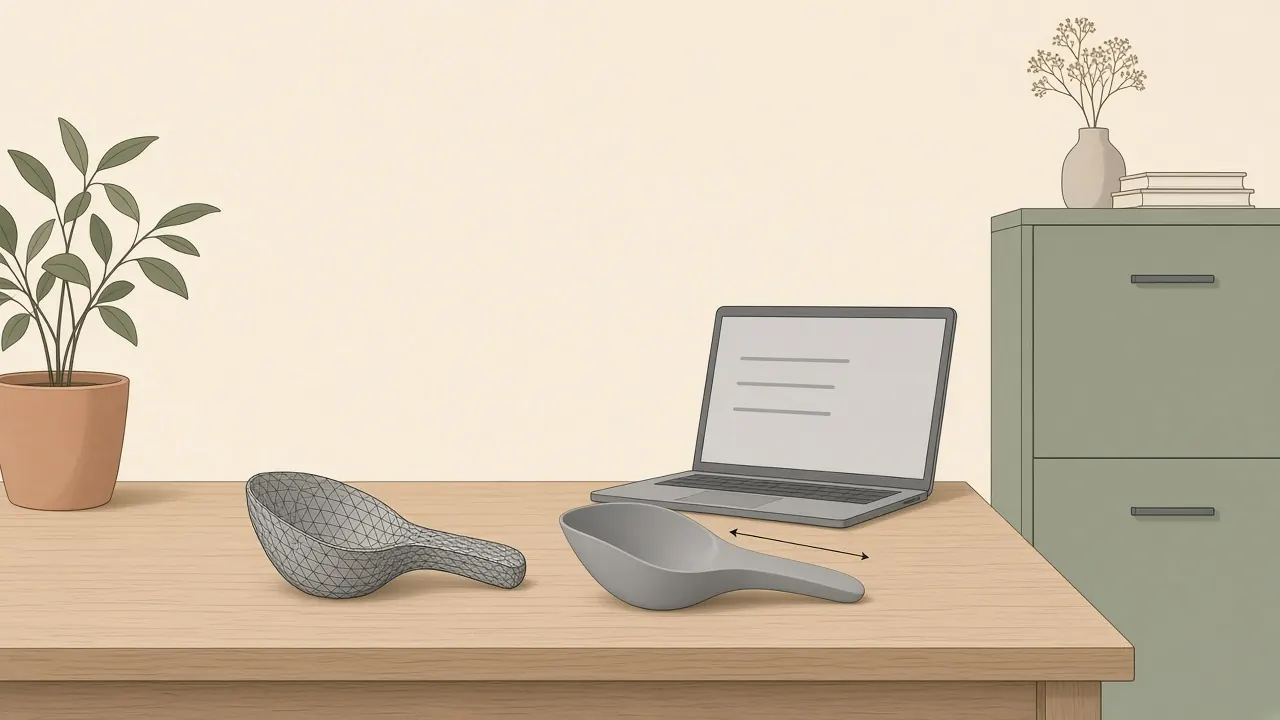
John wants a downloaded mesh to become a part he can change and machine. The file is an STL from MakerWorld, the 3D-printed coolant skimmer the shop had mentioned in an update. An STL is a bag of triangles. It is awkward in CAM, and awkward when the stem needs to be longer for a different tank. He wants a B-rep, what he calls a normal CAD model, so the shop can extrude faces, project faces, and adjust the skimmer for their coolant tanks and machines. It is a shop example of vibe manufacturing: a file in, an editable model out, with a person still checking the toolpaths.
A faceted mesh, then a from-scratch rebuild
He imports the STL. In the Mesh workspace he reduces the number of faces, generates face groups, and runs Convert Mesh. He picks the first option, faceted, because it always works. The other convert options often fail. The result is a B-rep he describes as not fun to work with.
He then switches to Claude. An MCP connector is installed so Claude can talk back and forth with Fusion. The server he is using is Phil Mestenhauser’s work on Fusion Essentials, at github.com/Philip-Mestenhauser/Fusion-Essentials. John says this is Phil’s Fusion extension. The video description notes that Phil’s MCP work is on a fork of the more commonly used Fusion Essentials add-in and will likely be merged into the main add-in later. YouTube captions sometimes garble the surname. The spelling here follows the GitHub name, Philip Mestenhauser.
He tries to be deliberate about the prompt. A line he uses for that care: if you ask ChatGPT or Claude to mow the grass and it sees a pair of scissors, “it’s lazy, it’ll just grab the scissors and go start mowing the grass with scissors.” He finds it almost awkward how carefully you have to speak to it. In many jobs he uses a separate chat, the same model or another, just to write the prompt. Here he writes his own.
He has a $20 a month Claude subscription, which he calls nothing crazy. He does not name a Claude model version. This article does not guess one.
He had previously asked Claude to make a skill: research good general CAD and industrial-design practice, good Fusion 360 practice, and accessible YouTube or Fusion tutorials, then digest them. When he invokes that skill, Claude is supposed to remember components, joints, and parametric sketching. He says he is describing this from memory, and that he is “certainly not the one” who deserves to be truly teaching it yet. He also says it is moving quickly.
He mentions Astra, “the new model from ChatGPT”, and says he is told it is quite good, with the caveat that news may change. He has tried Astra. Even on a paid OpenAI subscription he blows through Astra credits much faster, so he has stuck with Claude, where he has not run out of tokens. That is his experience in this video, not a benchmark, and Astra is not renamed here as some other OpenAI model.
Ten minutes, and a stem length he can edit
The remodel prompt, in short: using the Fusion MCP connector, review the main case lower body open in the file and remodel it from scratch as a new component, using the CAD skill and best practice, with parametric dimensions where possible. His goal is to adjust the length with the stem. He asks Claude to ask any questions before starting.
Claude asks three questions he thinks are fairly good. What should happen to the original body, keep it or hide it. How the part is being made: it is 3D printed. And which feature he means by stem.
Claude can see Fusion and the file. John is not moving the screen at first. Claude moves the cursor and does the parametric modeling. He calls it trippy, and “really almost strange to see it using your computer.” It works for about 10 minutes. He is impressed that he does not have to sit there. He also says 10 minutes “feels like this could probably be a 1-minute modeling job” if you were already fluent. He still calls it a win, because the hard part was getting from an STL to a B-rep he can edit.
The new model appears in a different place in the workspace. He does not know why, and he says it does not really matter. He thinks he took the mouse once, to reorient the view for the video.
What matters to him is Change Parameters. The MCL stem length is there, which is what he wanted, so he can change the printed skimmer parametrically. The on-screen name includes MCL_StemLength. Exact millimeter trials are not repeated here.
A different public demo pointed the other way. David Fox asked ChatGPT not to use Fusion at all when it built an inlet manifold from scans: that write-up. John is asking Claude to drive Fusion. They are not the same test.
The wall finish was on the wrong side
He also shows a CAM pass on a simple pocket. Two tools are in the library, including an open-pocket setup. This time he talks differently. He tells Claude not to ask questions, to do its best, to finish the task, and to give a post-mortem of anything that did not work. Do not bother him. Get the job done. He can say “use the 3/8 inch end mill”, and that he thinks a chamfer tool is in the library, and the connector can see that.
It makes mistakes. He flags a pretty bad one in the CAM. He still thinks an MCP server taking a first pass at toolpaths, or programming parts for an efficiency gain, is powerful, including as a way to learn Fusion CAM.
The CAM attempt takes somewhere between 5 and 7 minutes, which he says is way too long. He thinks both the models and his prompting can improve, and he would hardly judge it on that time for now. He does not bother to read the report. He wants to see the toolpath. He notes he could have asked it to run a simulation and check the stock against a solid model. That belongs in the prompt or, better, in a CAM skill. He thinks that check would have caught the mistake.
What it programmed was a 2D pocket, a floor, a wall, then a chamfer. When he runs the simulation, the wall finish is on the wrong side of the part. He says that is something any human would catch, and the AI did not. He calls it an easy fix on the CAM side, and probably an easy prompt or skill fix. The error he names is the wall finish. This article does not move that label onto the chamfer.
He catches it in simulation. He does not machine the skimmer or this pocket in the video. The video does not show a crash, and this page does not invent one. Simulate, and read the stock, before a toolpath is trusted.
Two examples he is not doing live
The other day he pointed Claude at the Wikipedia example of a Geneva drive and asked for a parametric model with joints, using the CAD skill. He is not doing this in the take. “please trust me, it did all this. I didn’t touch anything in this file.” It did the joints, the parametric model, and the motion limits, and he laughs that it even replicated the colors of the Wikipedia picture. That is his account of a file he already had.
Earlier, on a podcast with Grimsmo, he had used a Rolex-style watch movement as a hypothetical: Claude plus MCP could probably design gears and joints like that. That conversation example is not a watch John or Claude designed in this video.
He then shows a teaser. Phil, who helped write this MCP server, did that watch example, and John says it works. “It’s not in the future. We really are there.” He tips his hat to Phil for the server and for sending the watch model. In that example, he says, the MCP server is also handling a lot of the CAM on those parts, and creating dimensional drawings. Internal complications we cannot see are not described here, and the video does not place this work in Cursor.
Do not run two MCP servers
At the end he shows how he turns Phil’s server on. The description links the Fusion Essentials MCP server. Once it is installed as a Fusion plugin, a Fusion Essentials toolbar appears. Under Tools, the MCP server has to be enabled by hand. It is off by default. Enabling it means you will not use Autodesk’s built-in Fusion MCP server.
If you have been trying Autodesk’s server: Preferences, then General, then API, and make sure the Fusion MCP server option is not checked. John says you cannot run two of these servers at the same time. Autodesk has also published its own material about chat models in Fusion. He mentions another setup tutorial and that official video in passing. This article does not recap them.
He closes by hoping viewers learned something, points every related link he has into the description, and invites comments if people want more on the topic.
What this shows, and what it does not
| What the video shows | What it does not show |
|---|---|
| A MakerWorld STL converted to a faceted B-rep, which he finds unpleasant to edit | That every mesh converts cleanly by the other options |
| Claude, on a $20 a month plan, driving Fusion through Phil’s MCP server for about 10 minutes | A Claude model version, or any other subscription price |
| A new component with an MCL stem-length parameter | Millimeter values we verified in the file |
| A CAM simulation whose wall finish is on the wrong side | A part cut on a machine, or a crash |
| A Geneva drive he says he did not touch, off camera | A live rebuild of that mechanism in this take |
| Phil’s watch example, which John says works, including some CAM and drawings | A Rolex designed in this video, or work done in Cursor |
| One MCP server at a time, enabled by hand | That Autodesk’s server and Phil’s server can run together |
Habits worth keeping
Write the rules down as a skill if you repeat them: components, joints, parametric sketches, and, for CAM, a simulation against the solid. Ask the model to ask questions when the part is ambiguous. Tell it to finish without questions only when you are willing to read a post-mortem and still simulate. Say which tool, in the units you actually use. Open Change Parameters and move the one dimension you care about before you call the rebuild done.
Always simulate a toolpath, and look at which side of the wall the finish is on. A human catch in simulation is the success case in this video. Sending that file to a machine would have skipped the only check he used.
Pitfalls
- Lazy tools. His scissors line is the failure mode. A short prompt gets a short cut. The faceted mesh was the thing he did not want to keep editing, so the prompt had to say remodel from scratch.
- Ten minutes is not one minute. He says both. The longer figure is what this run took. The shorter one is what he thinks a fluent person might spend. Neither is a service level.
- CAM will look plausible and still be wrong. The wall finish on the wrong side is the example. He thinks a simulate-and-compare step in the prompt would have caught it. He had not put that step in.
- Credits elsewhere. Astra, as he describes it, used his OpenAI allowance faster than Claude used his. That is one person’s report from this video.
- Two servers. Phil’s plugin and Autodesk’s built-in server are not a pair you leave both switched on.
- Trust without the file. The Geneva drive and the watch are not live in this take. “Please trust me” is his, for the Geneva file. It is not a measurement.
Tools he names
- Claude, at the $20 a month subscription he stated. No model version is named.
- Autodesk Fusion 360, including the Mesh workspace and CAM.
- Phil Mestenhauser’s Fusion Essentials MCP server. Autodesk’s own Fusion MCP server is the one he says to turn off.
- MakerWorld, as the source of the skimmer STL.
- ChatGPT’s Astra, mentioned only as his experience of credits. Not used for the remodel he shows.
Related
Asking a chat model to build a part and refusing Fusion is David Fox’s inlet-manifold demo. Photos to a resin clip, with no CAD on that part, is Michael Lydick’s cargo-net clip. A different MCP server, on a free local scan tool, is ScanRuler. How a chatbot usually writes code instead of driving a CAD app is AI CAD tools vs ChatGPT. The tool list is text-to-CAD in 2026. The print loop is how to make a 3D-printable part with AI. A file that looks right and is not is why AI-generated 3D prints fail.
FAQ
Did Claude create a true parametric model?
He shows a remodelled component and opens Change Parameters. The stem length he wanted is there, including a parameter he refers to as MCL stem length. That is what he shows in the video. We did not open the file.
Did he machine the part in this video?
No. He simulates the CAM toolpaths. He does not cut the skimmer or the pocket demo on a machine in this video.
What went wrong in the CAM demo?
In the simulation, the wall finish is on the wrong side of the part. He calls that a mistake any human would catch. He does not say the chamfer itself cut the wrong side. He caught it on screen, before a machine.
Which MCP server is he using?
Phil Mestenhauser's Fusion Essentials MCP server, which has to be turned on by hand. Autodesk also has a Fusion MCP server. John says you cannot run both at once.
Is this article endorsed by John or the companies named?
No. It is an independent summary of a public video. John Saunders, NYC CNC, Saunders Machine Works, Anthropic, Autodesk, MakerWorld and Philip Mestenhauser have not reviewed or endorsed it.